
Business owners don't buy audits. They buy the confidence that you know what's wrong and how to fix it. A good audit report is short at the top, specific in the middle, and ends with one clear next step.
Step 1: Set up your branding once
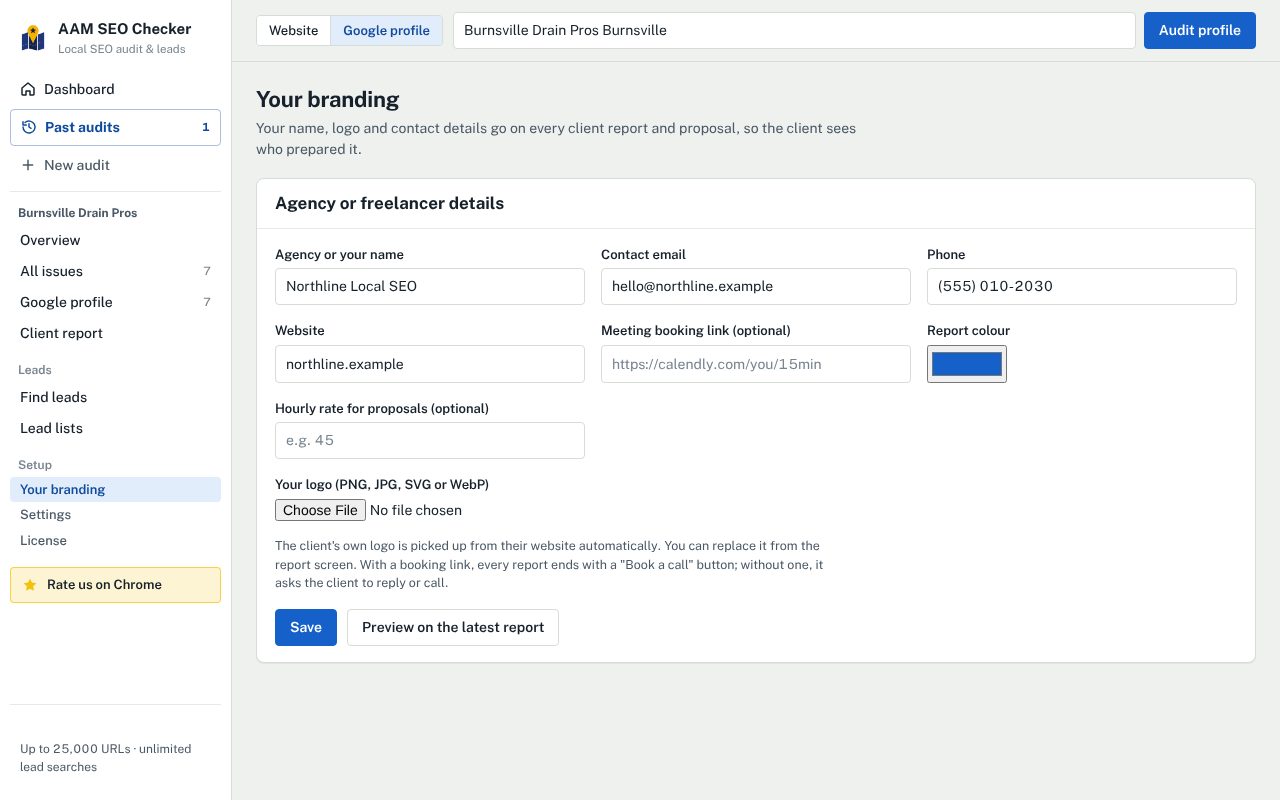
In AAM SEO Checker, open Your branding and fill in:
- your agency or freelancer name, email, phone and website;
- your logo and a report colour;
- an optional meeting booking link (Calendly or similar). With one, every report ends with a "Book a call" button; without one, it asks the client to reply or call;
- an optional hourly rate, used to estimate the proposal.
Every report uses these from then on. The client's own logo is picked up from their website automatically, and you can replace it on the report screen.
Step 2: Pick the right report
Match the report to what you're selling:
- Full audit for a general first conversation.
- Local SEO, Technical, On-page, Content or Speed & mobile when you sell one service and want the report to stay on it.
- Google profile when the profile is the main opportunity, including the comparison with the top three on Google Maps.
- Progress since last audit for monthly clients: what got fixed, the score over time and what's next.
The free plan includes the full audit report with your name and logo. Pro adds the other report types and removes the small "Created with AAM SEO Checker" line from the footer.
Step 3: Check what the client will read
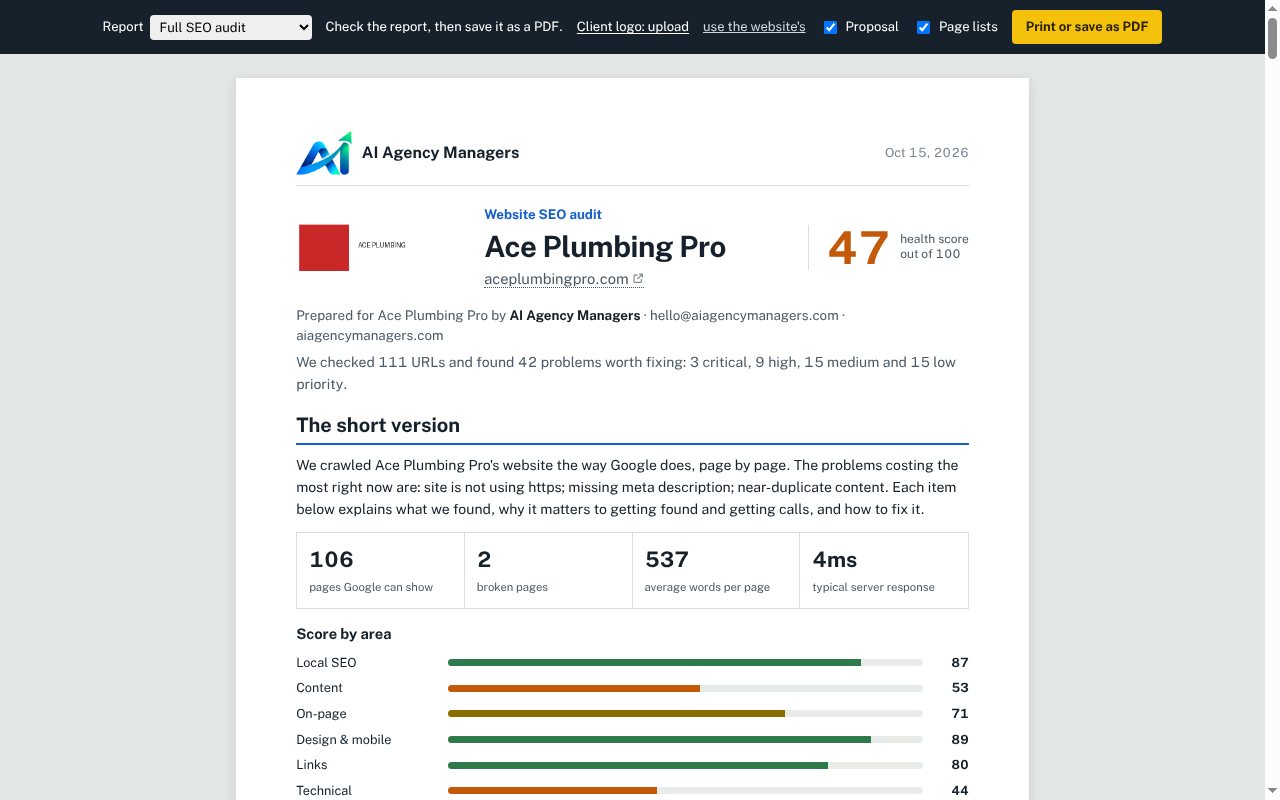
Open the report and read the first page as the owner would. It should answer, in plain words:
- The short version: what's costing them customers right now, in one paragraph.
- The score and the numbers that back it up: pages Google can show, broken pages, speed.
- Fix these first: the few problems that cost the most, each with why it matters to the business, not just a technical label.
Then the detail: evidence for each issue (the exact pages), the competitor comparison with a screenshot of Google's map results, and the proposal.
Step 4: Make the plan about solutions
A report that ends with a list of problems leaves the owner to work out what to do. The proposal at the end of each report is written as actions in phases, for example:
- Reply to every review, thank happy customers by name and answer complaints calmly with a fix, instead of "Owner isn't replying to reviews".
- Add each main service as a Product, with a description, price range and photo, instead of "No services shown".
Read it through and adjust the wording to how you work. If you sell fixed packages, say which package covers which phase.
Step 5: Save it and send it
Press Print or save as PDF and choose "Save as PDF". The file is named after the business, so it's ready to attach. Keep the email short:
Hi Sam, I ran a check of Ace Plumbing's website and Google profile. The biggest thing costing you calls right now is that the phone number can't be tapped on a phone, and you're #4 on Google Maps for "plumber in Burnsville" behind three businesses with more recent reviews. The attached report shows the details and the fixes in order. Happy to go through it on a 15-minute call: [booking link].
Lead with one or two findings that matter to the owner in money terms, not the score.
Step 6: Follow up and keep them
- Follow up once after three or four days with one new detail, not "just checking in".
- When they sign, mark them as a monthly client. The extension reminds you to re-audit each month and builds a progress report that shows what got fixed.
- Send fixes to your task manager: Send to Asana turns issues into tasks with the evidence and due dates attached.
Questions
Can I put my own logo on the report?+
Yes, on every plan including Free. Add your name, logo, colour and contact details once in Your branding.
Does the report mention AAM SEO Checker?+
The free plan adds a small "Created with AAM SEO Checker" line in the footer. Pro removes it.
Can I edit the report before sending it?+
You can choose the report type, replace the client's logo and turn sections such as the proposal and page lists on or off on the report screen before saving the PDF.